General Settings Overview
Last updated: April 10, 2026
Overview
The General Settings page lets you configure company-wide preferences that affect how invoices, line items, and taxes behave across inBuild. You can find it by navigating to Settings → General in the sidebar.
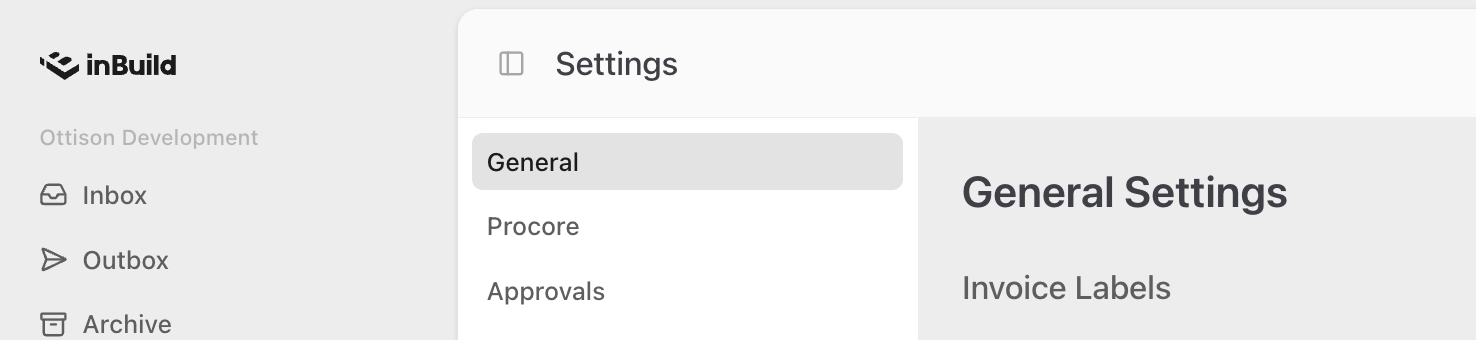
From this page you can:
Enable Canadian tax calculations for companies with Canadian offices and a QuickBooks Online integration.
Create and manage custom invoice labels to organize and categorize invoices.
Control whether non-admin users can view or edit line items.
Allow invoices to be approved without completed line-item validations in certain scenarios.
Only company admins can change settings on this page. Non-admin users can view the current state of each setting, but all toggles will be grayed out.
General Settings Page Sections
Frequently Asked Questions
Why don't I see the Tax Settings section?
The Tax Settings section only appears if your company has both a QuickBooks Online (QBO) integration connected and at least one Canadian office configured in Procore. If either condition is not met, the section will not be visible.
Why are all the toggles grayed out?
Only company admins can change settings on this page. If you are not a company admin, you can view the current state of each setting but cannot make changes. Contact your company admin if a setting needs to be updated.